January 2026: Navigation Changes
Last updated: January 29, 2026
Hello everyone!
We’re making a few light updates to First Bite’s user interface and organization. Below is a quick overview of what’s changing. We’ll also be updating the Help Center over the next few weeks to reflect these updates.
TL;DR: Things may look a little different, but functionality remains the same. All action buttons will work just as they always have.
As you're scrolling through, feel free to click on the images to enlarge them.
1. Left side navigation bar
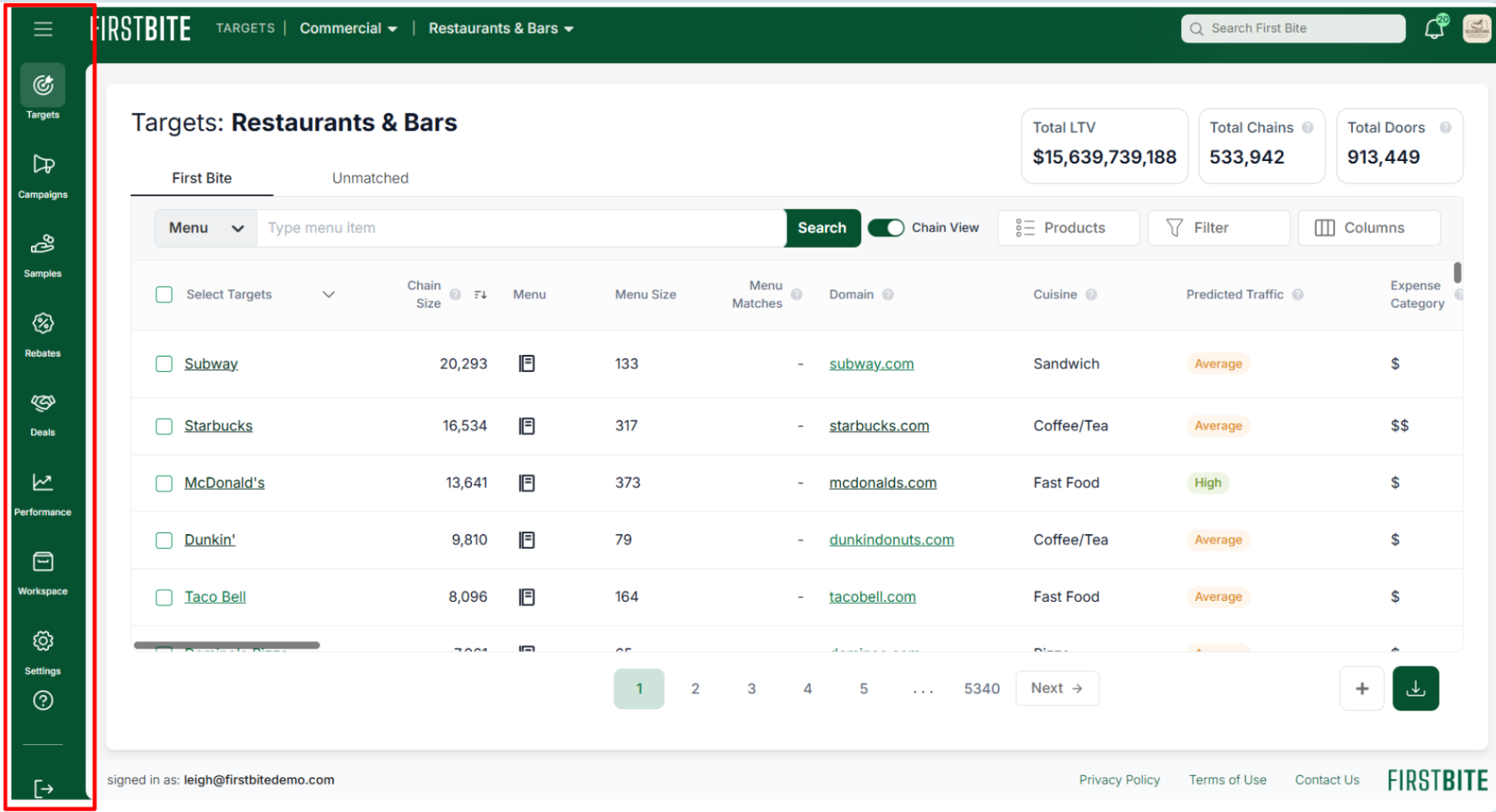
We’ve introduced a new left sidebar for primary navigation. This replaces the navigation links that previously appeared at the top of the platform (such as Dashboard, Targets (formerly Opportunities), and Campaigns).
Clicking on the 3-bar icon at the top next to our First Bite logo will allow you to open or close the left sidebar.
Clicking any icon in the left sidebar will expand it to show the additional tables available within that category.
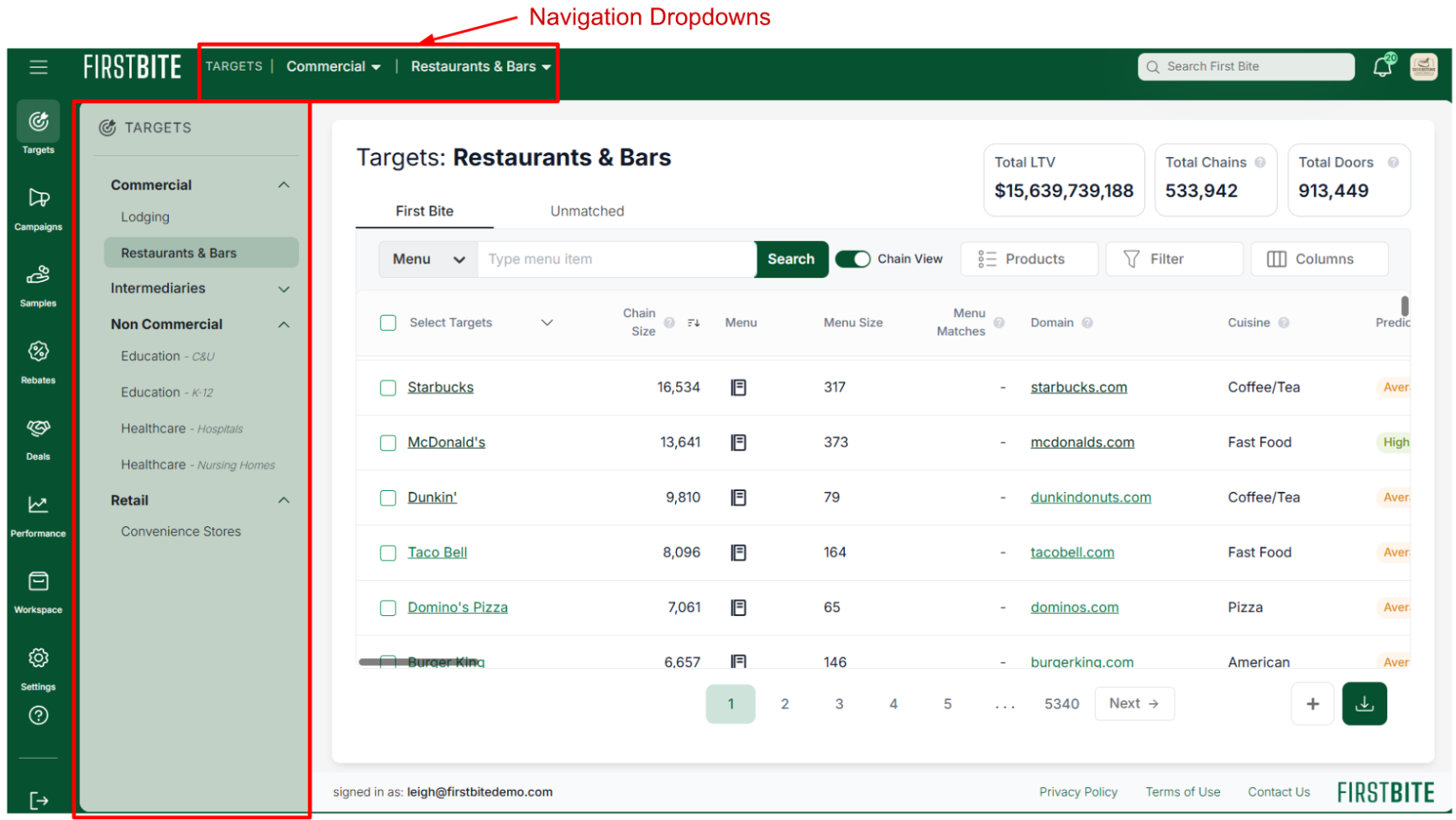
For example, selecting the Targets icon will expand the sidebar to display the different types you can access, such as Bars & Restaurants and Colleges & Universities.
These options can also be accessed from the top of the page using navigation dropdowns.
2. “Opportunities” will now be referred to as “Targets”.
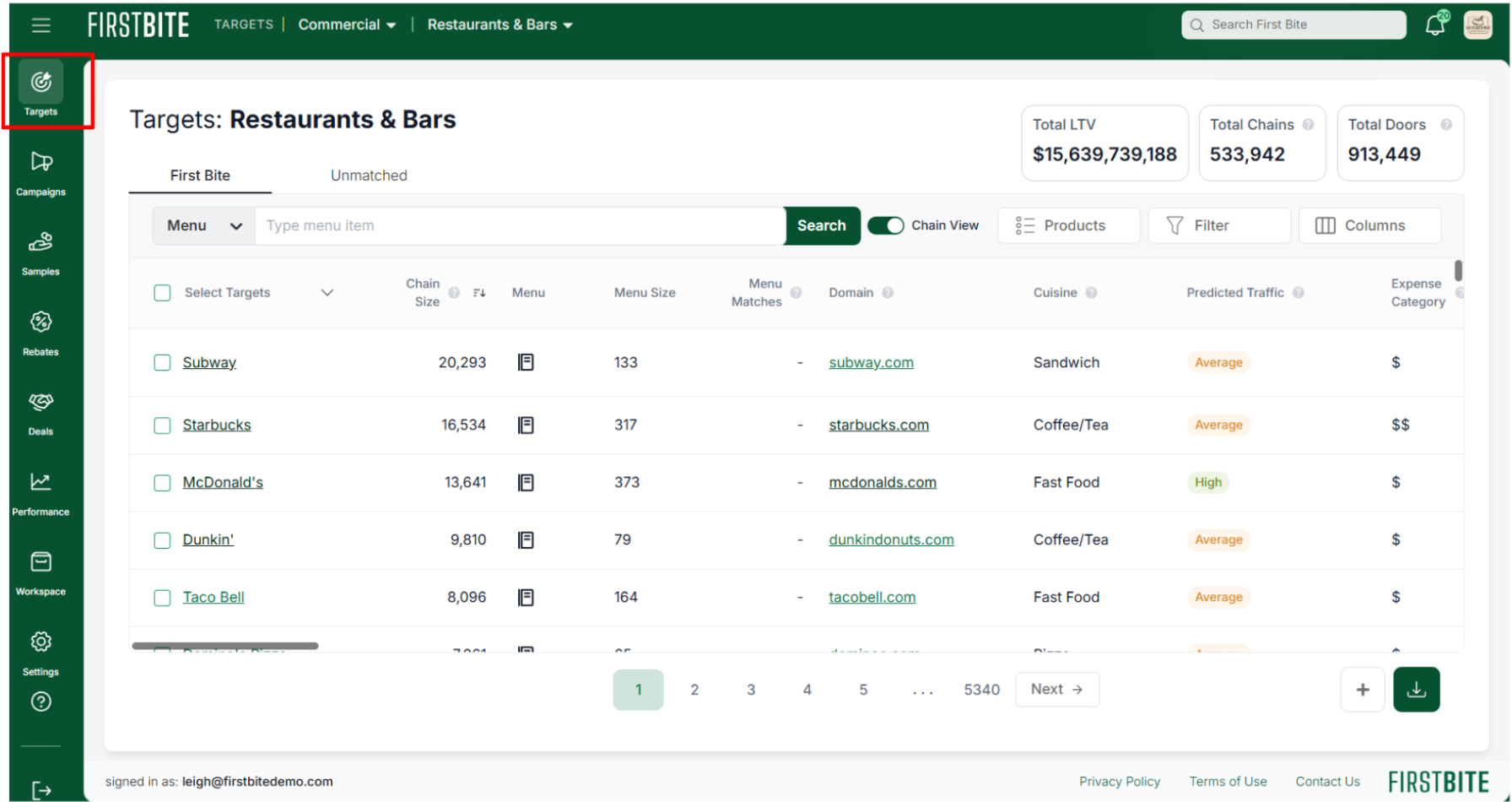
The existing opportunity tables (Bars & Restaurants, Colleges & Universities, K-12, Hospitals, Nursing Homes, and Convenience Stores) remain unchanged. Going forward, these companies will be referred to as Targets rather than Opportunities.
Based on user feedback, Targets is a more natural and intuitive way to identify companies on the platform. As always, we appreciate your feedback. It helps guide these improvements.
3. Settings + Logo link
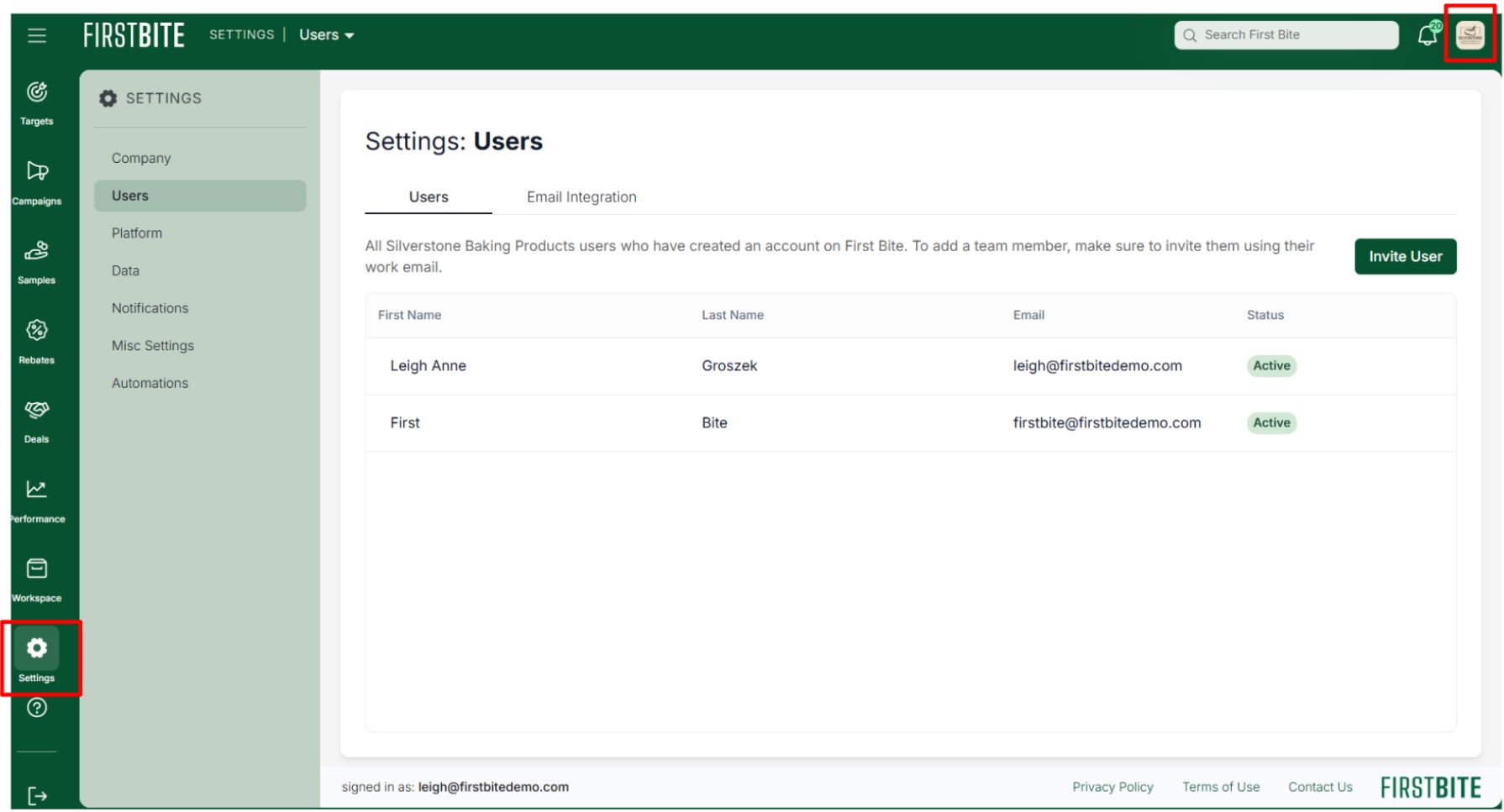
You can access your Settings from the left sidebar. Your company logo in the top right corner also links to Settings, taking you directly to your user list.
4. Documents, Contacts, Activity, Reminders, and Products are moving into your Workspace
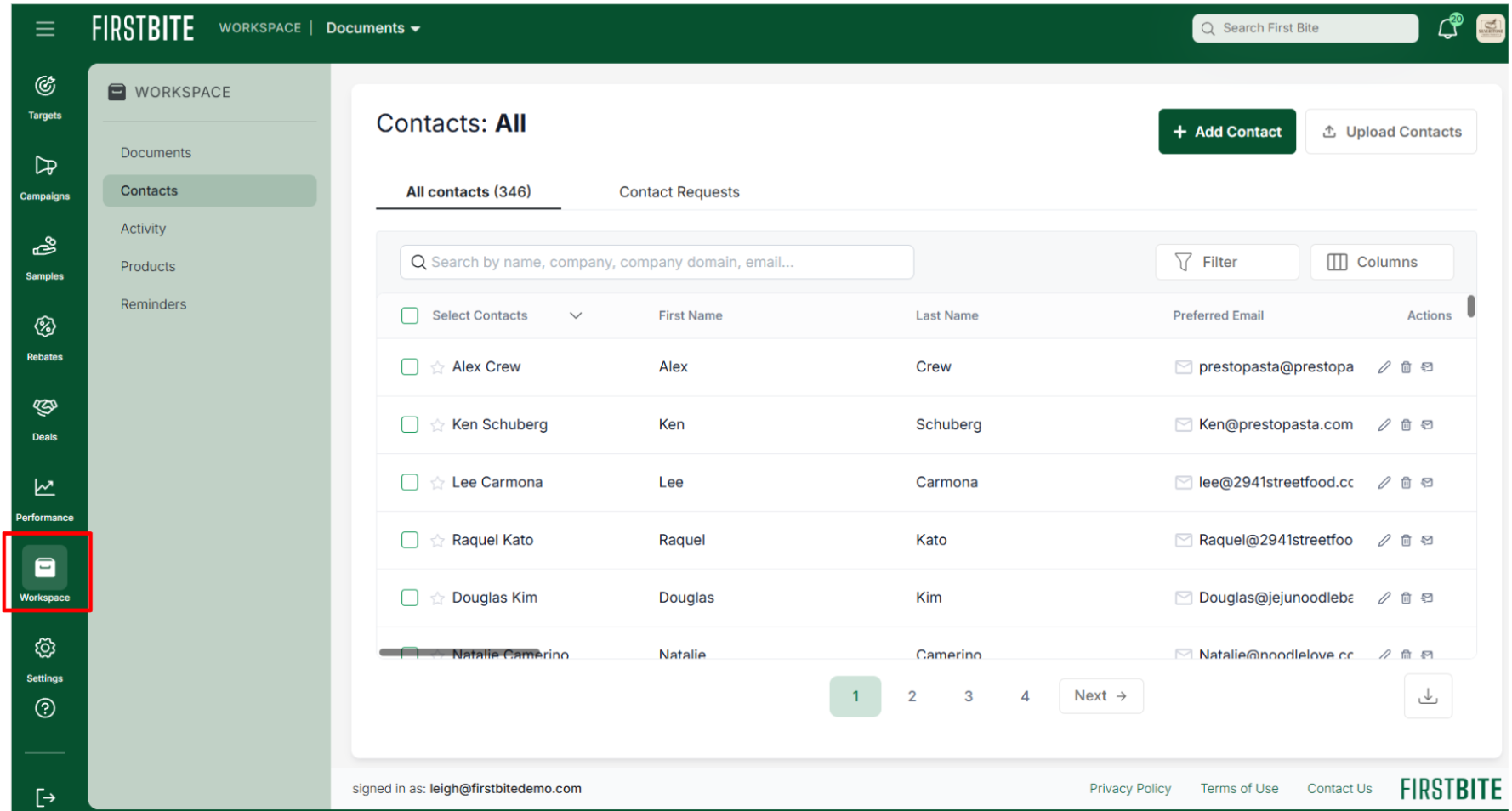
Your Workspace (found on the left sidebar) provides quick access to your team’s content. That means your Documents, Contacts, Activity, Reminders, and Products.
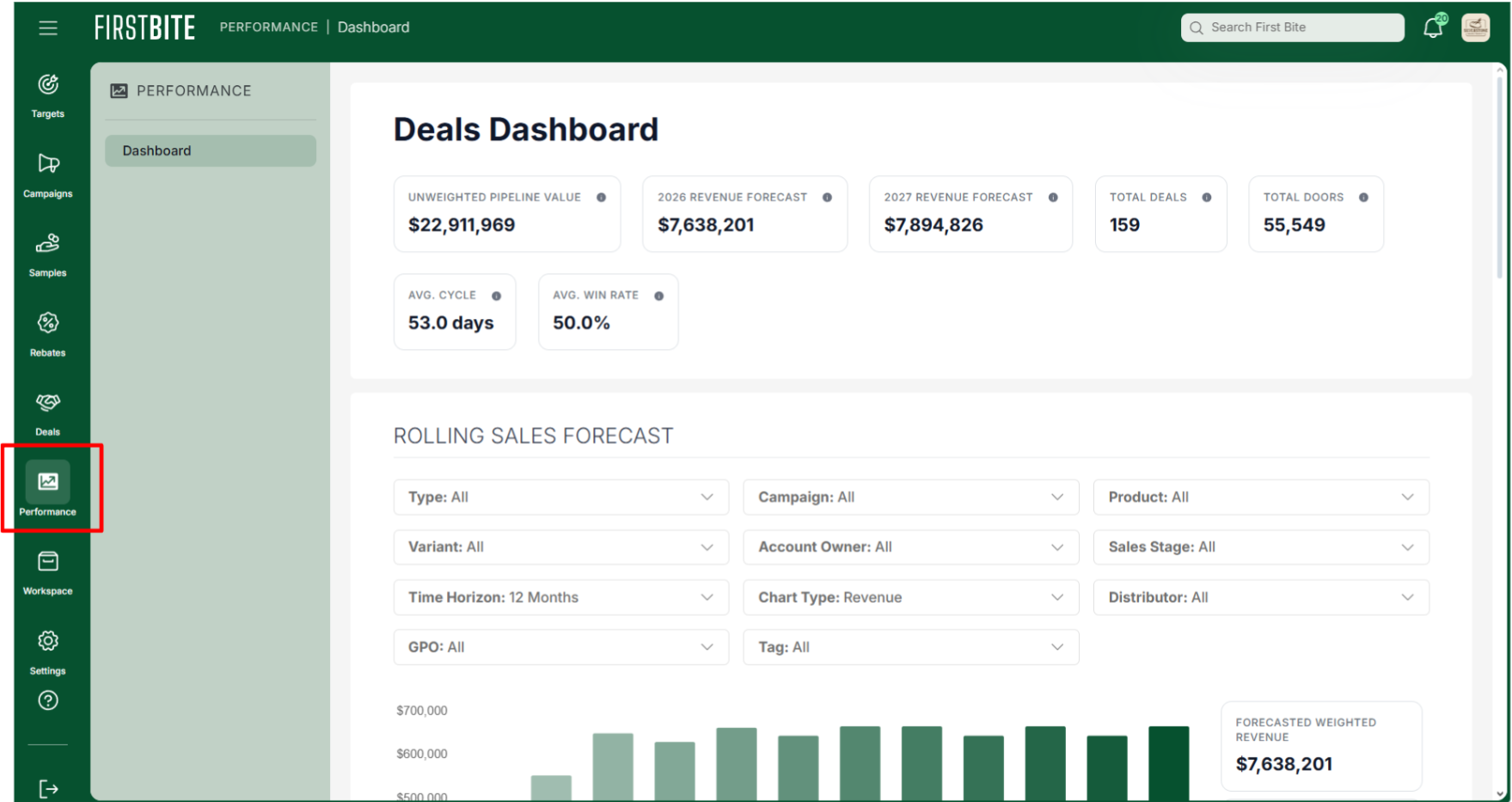
5. The Dashboard now lives in the Performance space.
6. We’ve added an easily accessible link to our help center.
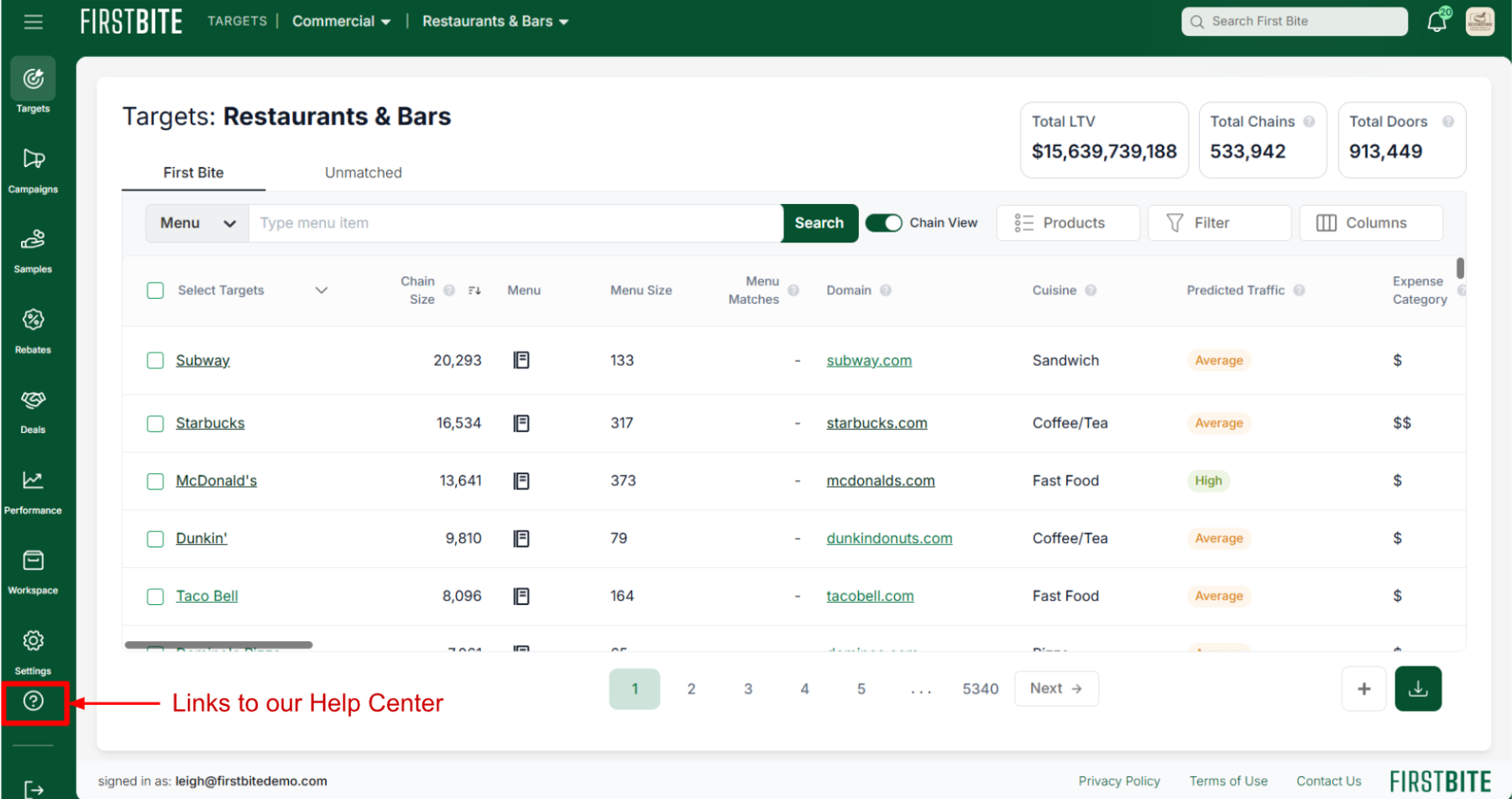
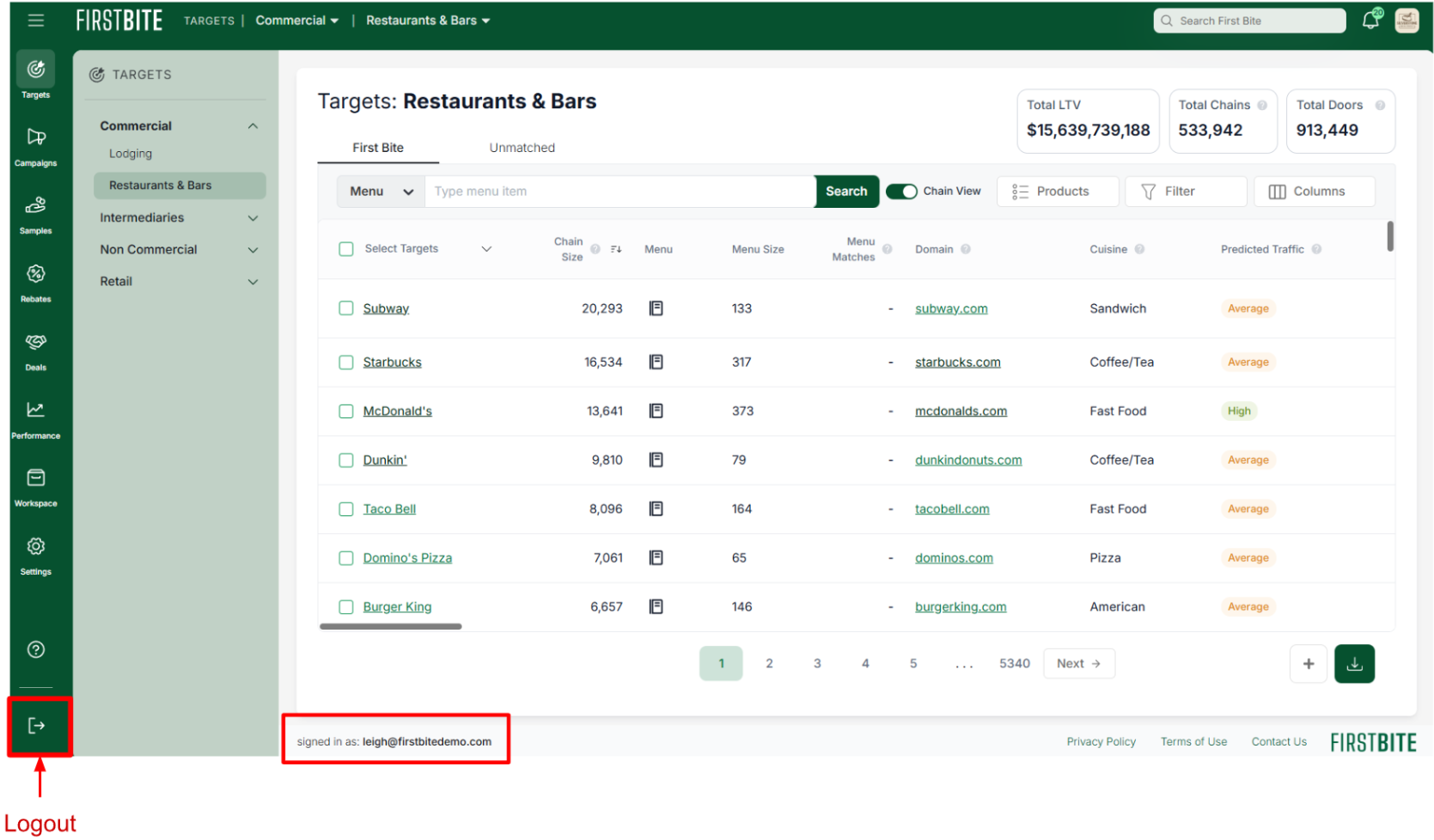
7. View who you’re logged in as + logout from the bottom left corner of the page.