How do I create a deal without using a product?
Last updated: March 9, 2026
A deal represents a sales opportunity between a company and a product, so in order to create a deal, you need to select a product.
But what if you haven’t set up your product forecasting yet? Or if you’re unsure which product a company might be interested in?
For situations like these, we recommend using a "Placeholder Product" that has generic revenue estimates. When you join First Bite, an initial placeholder product will already exist in your platform for you to use.
Your products are located in Workspace > Products.
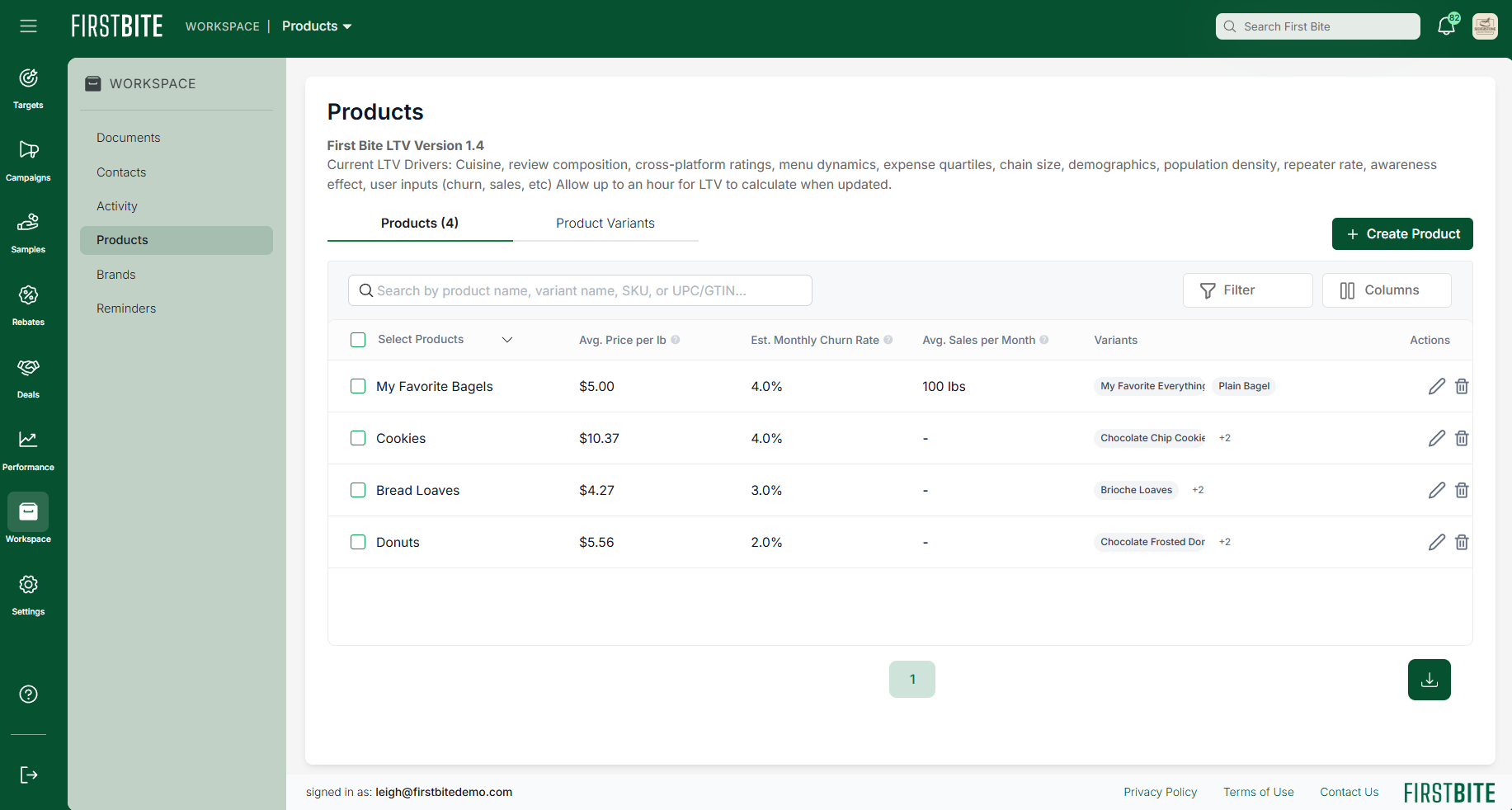
You are welcome to edit or create your own placeholder product.
If you are creating your own placeholder product, here are the settings we recommend:
Product Name: Placeholder Product
Product Format: Case
Size (Average Quantity): 1
Average Revenue: $1
Est. Monthly Churn Rate: 4%
Avg Units Sold Per Month: 1
This placeholder product can then be selected when you create a deal. Keep in mind that forecasting is based partially on the product specifications entered during product setup.
First Bite’s forecasting dashboard and LTV will not be accurate until the placeholder product information is replaced with your company’s true product information.