Why can't I find my filter?
Last updated: June 7, 2026
Each table has its own data columns, so filters are saved per table. This means that filters saved in the Targets table will not be accessible in the Deals table and vice versa.
This is also true for the differing target types within the College & Universities Targets page have different data columns than Restaurants & Bars, for example, so any saved filters are specific for that target type.
To see which filters you’ve created, their parameters, and which table the filter applies to, check out Settings > Data > Filters.
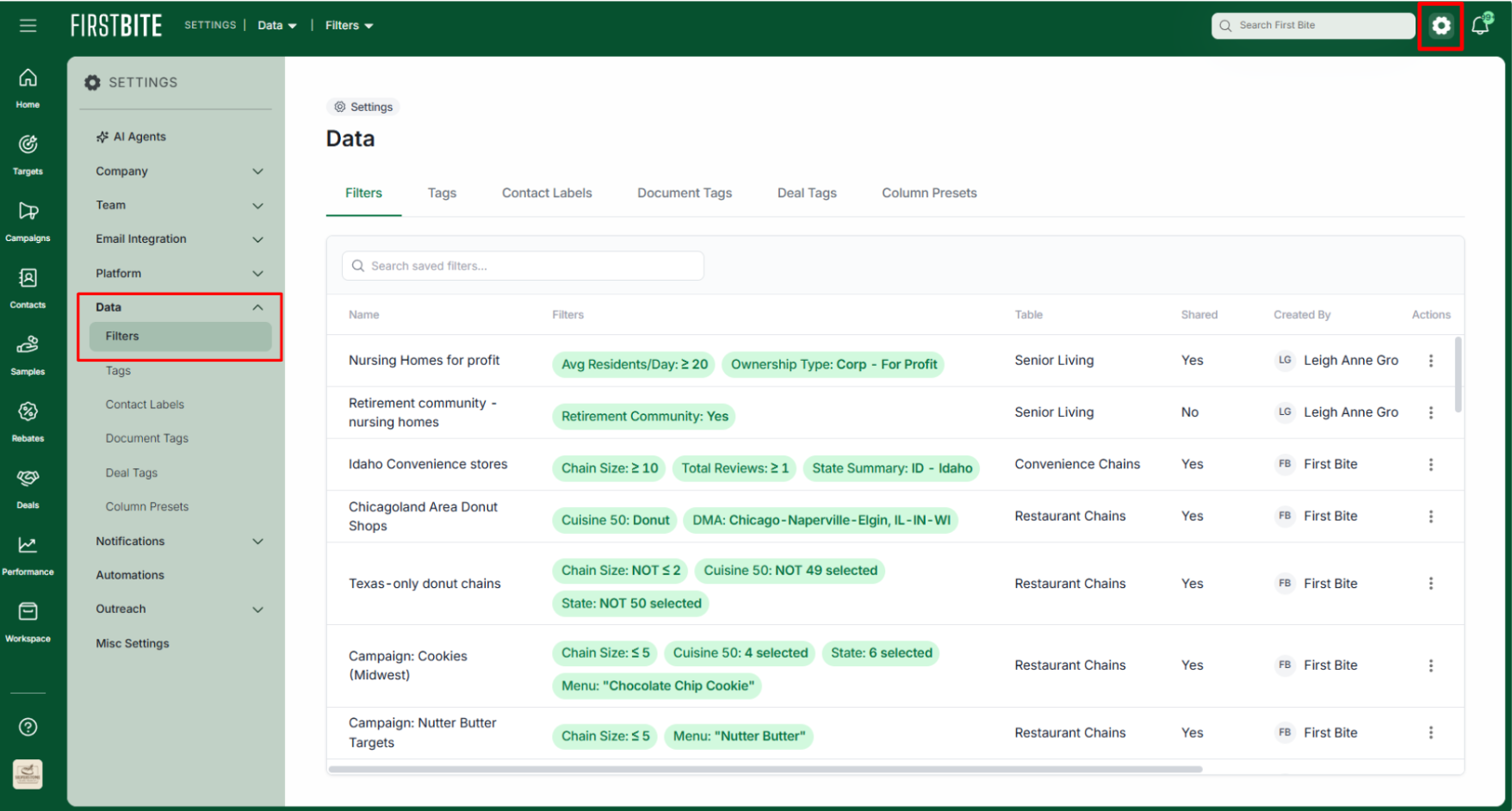
From here you can also see whether or not you’ve shared your own filters with your team.